


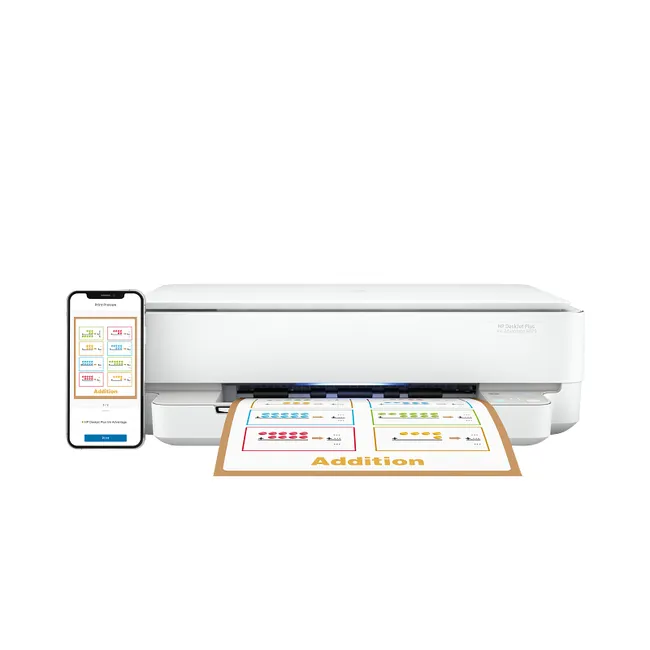
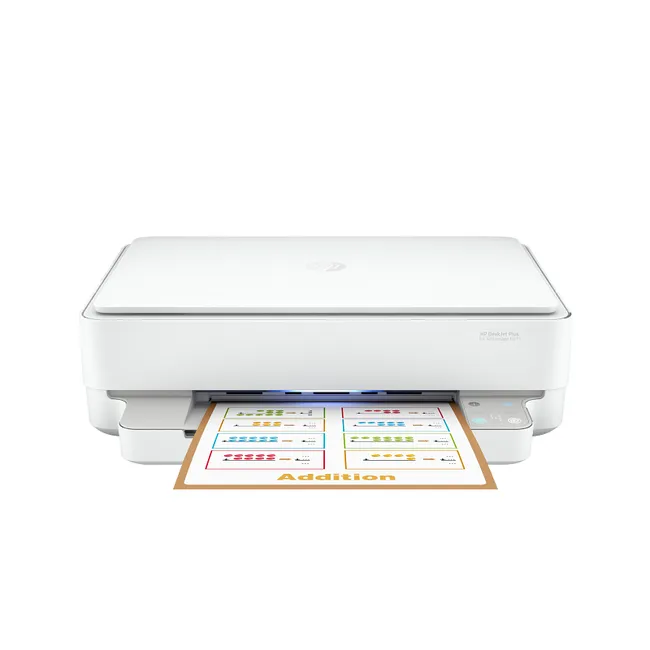
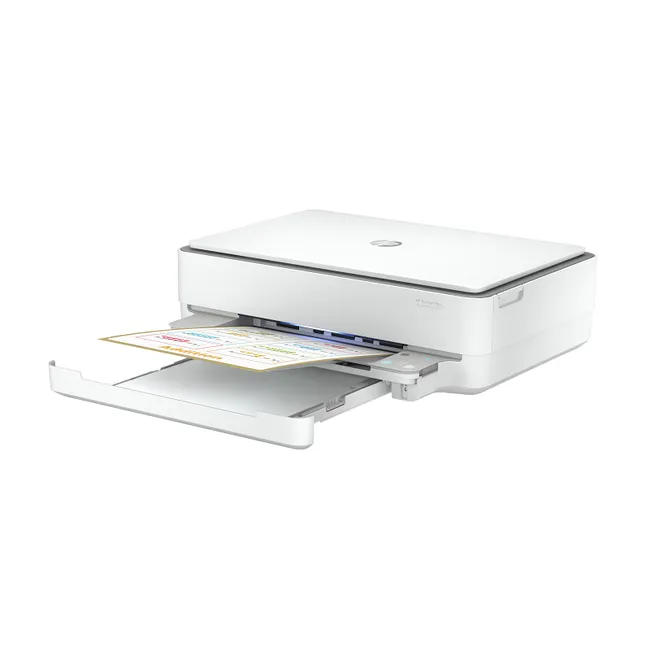
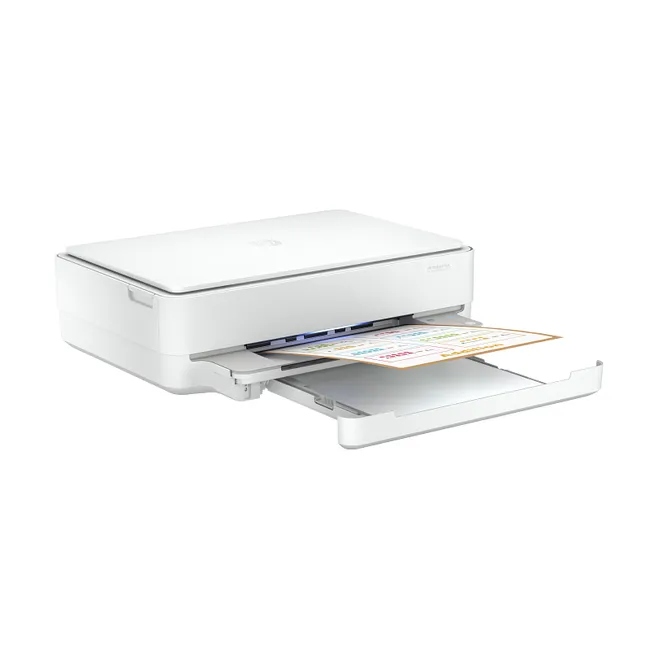
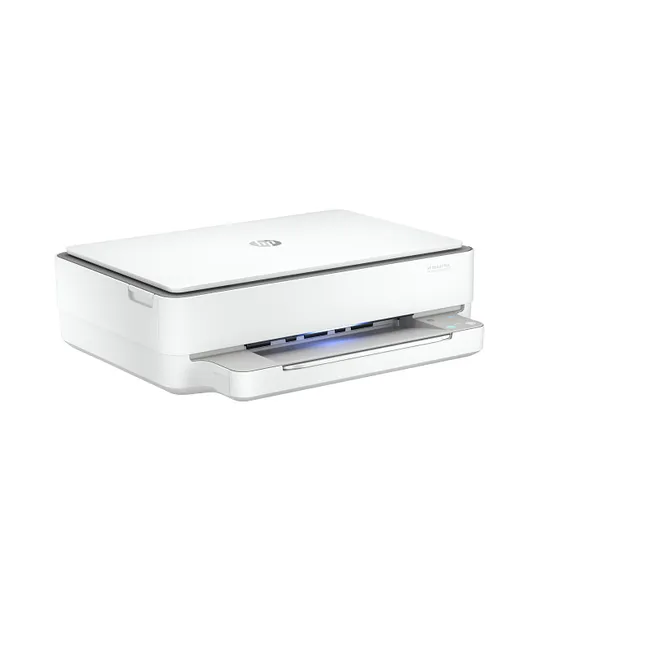
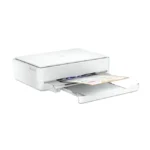
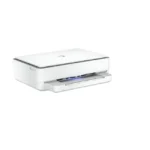
HP DeskJet Plus Ink Advantage 6075 All-in-One Printer (5SE22C)
Original price was: 455AED.400AEDCurrent price is: 400AED.
HP DeskJet Plus Ink Advantage 6075 All-in-One Printer (5SE22C)
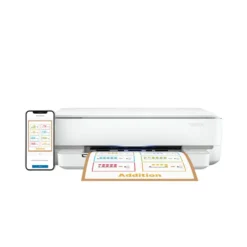
For everyone in the family. For every device. Print, scan, and copy everyday documents, schoolwork, photos, and more. Set up and connect on any device with HP app, 1 and get self-healing Wi-Fi™. 2
- Functions: Print, Copy, Scan, Photo
- Print speed: Print speed up to 10 ppm (black) and 7 ppm (color) 3
- Print quality black (best): Up to 1200 x 1200 rendered dpi (when printing from a computer)
In stock
You’re now subscribed to price tracking for this product. We’ll notify you if the price drops.
Buy HP DeskJet Plus 6075 Printer UAE for wireless printing, scanning, and copying with reliable performance for home and office use.
HP DeskJet Plus 6075 Printer UAE Features
HP DeskJet Plus Ink Advantage 6075 All-in-One Printer UAE Features
Functions
Print, Copy, Scan, Photo
Print speed black (ISO)
Up to 10 ppm 1
Print speed black (draft, A4)
Up to 20 ppm 1
Print speed black (ISO, A4)
Up to 10 ppm 1
Print speed color (ISO)
Up to 7 ppm 1
Print speed color (draft, A4)
Up to 17 ppm 1
Print Speed Color (ISO)
Up to 7 ppm 1
First page out black (A4, ready)
As fast as 18 sec
First page out color (A4, ready)
As fast as 21 sec
Duplex printing
Automatic (standard)
Duty cycle (monthly, letter)
Up to 1000 pagesUp to 1000 pages 2
Duty cycle (monthly, A4)
Up to 1000 pages 2
Recommended monthly page volume
100 to 400
Print quality black (best)
Up to 1200 x 1200 rendered dpi (when printing from a computer)
Print quality color (best)
Up to 4800 x 1200 optimized dpi color (when printing from a computer on selected HP photo papers and 1200 input dpi)
Print languages
HP PCL 3 GUI
Print technology
HP Thermal Inkjet
Connectivity, standard
1 Hi-Speed USB 2.0; 1 Wi-Fi 802.11ac (dual band)
Mobile printing capability
Apple AirPrint™; Chrome OS; HP app; Mopria-certified 3
Network capabilities
Built-in Wi-Fi 802.11b/g/n
Wireless capability
Yes, built-in Wi-Fi 802.11b/g/n
Wireless technologies
802.11b/g/n; 802.11b/g/n/ac; Wi-Fi®
Minimum System Requirements for Macintosh
MacOS Sierra v10.12 (previously OS X), macOS High Sierra v10.13, macOS Mojave v10.14, macOS Catalina v10.15, 2 GB Available Space, Internet Access
Minimum System Requirements
Windows 10, 7: 1 GHz 32-bit (x86) or 64-bit (x64) processor, 2 GB available hard disk space, Internet connection, USB port, Internet Explorer
Processor speed
800 MHz
Maximum Memory
128 MB DDR3
Memory
128 MB DDR3
Compatible Operating Systems
Windows 11; Windows 10; Windows 7; macOS 10.12 Sierra; macOS 10.13 High Sierra; macOS 10.14 Mojave; macOS 10.15 Catalina; Chrome OS; macOS 14 Sonoma
Paper handling input, standard
Up to 100 sheets input tray
Paper handling output, standard
25-sheet output tray
Finished output handling
Sheetfed
Media types
Plain Paper; HP Photo Papers; HP Matte Brochure or Professional Paper; HP Matte Presentation Paper; HP Glossy Brochure or Professional Paper; Other Photo Inkjet Papers; Other Matte Inkjet Papers; Other Glossy Inkjet Papers; Plain Paper, Light/Recycled
Media sizes supported
A4; A5; B5; DL; C6; A6
Media sizes, custom
Simplex: 76.2 x 127 mm to 216x297mm; Duplex: 76.2 x 127 mm to 216x297mm
Borderless printing
Yes (up to 8.5 x 11 in, 216 x 297 mm)
Media weight, recommended
75 g/m²
Scanner type
Flatbed
Scan file format
RAW, JPG, PDF
Enhanced scanning resolution
Up to 1200 dpi
Scan resolution, optical
Up to 1200 dpi
Scan resolution, hardware
Up to 1200 x 1200 dpi
Scan size, maximum
215.9 x 297 mm
Scan technology
CIS
Copy speed black (ISO)
Up to 8 cpm 4
Copy speed color (ISO)
Up to 4 cpm 4
Copy resolution (black text)
Up to 300 x 300 dpi
Copy resolution (color text and graphics)
300 x 300 dpi
Copy resolution (black graphics)
Up to 300 x 300 dpi
Copies, maximum
Up to 9 copies
Copy reduce / enlarge settings
Via HP app
Copier settings
Color, mono
Faxing
No
Power consumption
0.10 Watts (Off) , 4.0 Watts (Ready) , 1.70 Watts (Sleep)
Power
Input voltage: 100 to 240 VAC (+/- 10%), 50/60 Hz, 0.7A. Not dual voltage, power supply varies by part number with # Option code identifier.
Operating humidity range
20 to 80% RH (non-condensing)
Recommended operating humidity range
25 to 75% RH (non-condensing)
Non-Operating Humidity Range
20 to 80% RH (non-condensing)
Operating temperature range
5 to 40°C
Operating temperature range
41 to 104°F
Typical electricity consumption (TEC) number
0.31 kWh/Week
Energy star certified
No
Dimensions (W x D x H)
432.5 x 361.1 x 132.1 mm 5
Maximum dimensions (W x D x H)
432.5 x 511.5 x 132.1 mm 5
Weight
5.22 kg
What’s in the box
HP DeskJet Plus Ink Advantage 6075 All-in-One Printer; HP 653 Setup Black Cartridge; HP 653 Setup Tri-Color Cartridge; Regulatory flyer; Setup guide; Reference guide; Power cord [For ink volume and page yield information, visit http://hp.com/go/learnaboutsupplies] 6
Print Cartridges/Bottle, Number
2 (1 each black, tri-color)
Replacement cartridges
HP 653 Tri-color Original Ink Advantage Cartridge (~200 pages yield) 3YM74A; HP 653 Black Original Ink Advantage Cartridge (~360 pages yield) 3YM75A. Actual yield varies considerably based on content of printed pages and other factors. For details see http://www.hp.com/go/learnaboutsupplies
Manufacturer Warranty
One-year limited hardware warranty; 24-hour, 7 days a week support
The Buy HP DeskJet Plus 6075 Printer UAE is ideal for home users and small offices. Many customers choose the Buy HP DeskJet Plus 6075 Printer UAE because it provides printing, scanning, and copying functions in one compact device. If you want to Buy HP DeskJet Plus 6075 Printer UAE, this model delivers reliable performance and excellent wireless connectivity.
Explore our HP Printers, Scanners, and Office Accessories for complete office solutions.



Reviews
There are no reviews yet