


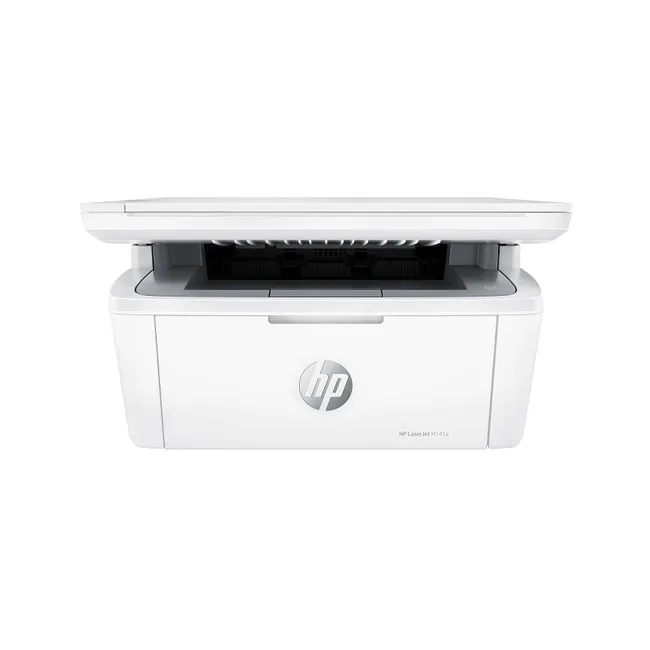
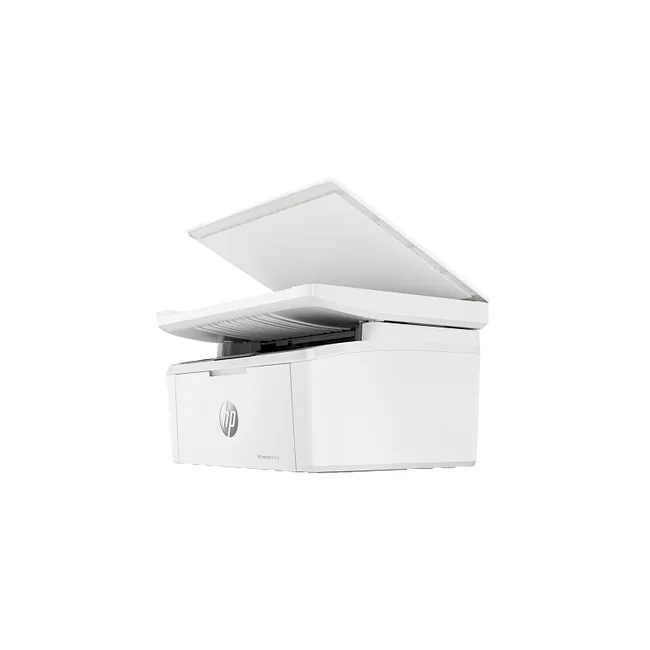
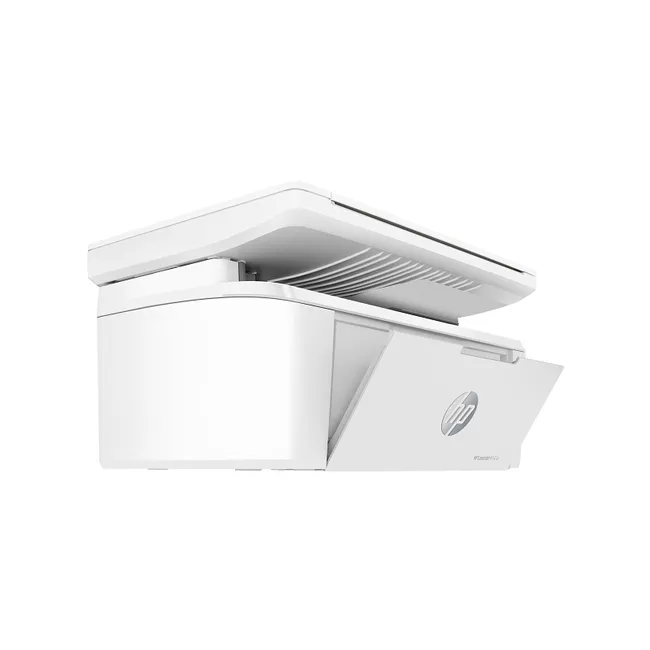
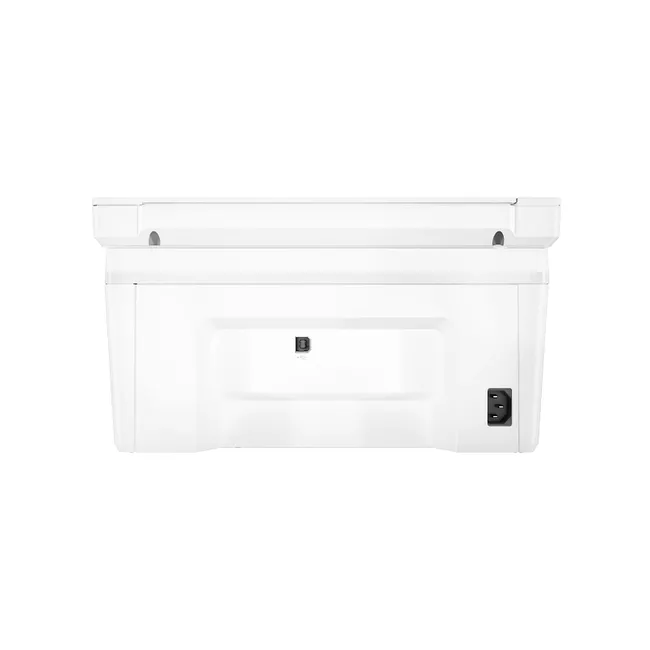
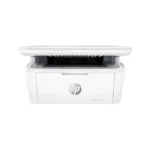
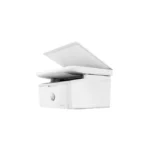
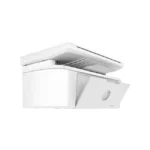
HP LASERJET M141A PRINTER
Original price was: 777AED.490AEDCurrent price is: 490AED.
In stock
You’re now subscribed to price tracking for this product. We’ll notify you if the price drops.
HP LaserJet M141A printer UAE for fast and reliable print, copy, and scan performance designed for homes, offices, and small businesses.
HP LaserJet M141A Printer UAE – Features & Benefits|
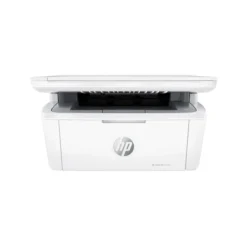
HP LaserJet MFP M141a Printer (7MD73A)
Functions
Print, copy, scan
Print speed black (ISO, letter)
Up to 21 ppm 1
Print speed black (ISO, A4)
Up to 20 ppm 1
First page out black (letter, ready)
As fast as 8.3 sec 2 ( 2 Measured using ISO/IEC 17629. For more information see http://www.hp.com/go/printerclaims. Exact speed varies depending on the system configuration, software application, driver, and document complexity.)
First page out black (A4, ready)
As fast as 8.5 sec 2 ( 2 Measured using ISO/IEC 17629. For more information see http://www.hp.com/go/printerclaims. Exact speed varies depending on the system configuration, software application, driver, and document complexity.)
First page out color (letter, ready)
2 ( 2 Measured using ISO/IEC 17629. For more information see http://www.hp.com/go/printerclaims. Exact speed varies depending on the system configuration, software application, driver, and document complexity.)
First page out color (A4, ready)
2 ( 2 Measured using ISO/IEC 17629. For more information see http://www.hp.com/go/printerclaims. Exact speed varies depending on the system configuration, software application, driver, and document complexity.)
Duplex printing
No
Duty cycle (monthly, letter)
Up to 8,000 pagesUp to 8,000 pages (Duty cycle is defined as the maximum number of pages per month of imaged output. This value provides a comparison of product robustness in relation to other HP LaserJet or HP Color LaserJet devices, and enables appropriate deployment of printers and MFPs to satisfy the demands of connected individuals or groups.)
Duty cycle (monthly, A4)
Up to 8,000 pages (Duty cycle is defined as the maximum number of pages per month of imaged output. This value provides a comparison of product robustness in relation to other HP LaserJet or HP Color LaserJet devices, and enables appropriate deployment of printers and MFPs to satisfy the demands of connected individuals or groups.)
Recommended monthly page volume
100 to 1000 (HP recommends that the number of printed pages per month be within the stated range for optimum device performance, based on factors including supplies replacement intervals and device life over an extended warranty period.)
Print quality black (best)
Up to 600 x 600 dpi
Print languages
PCLm/PCLmS; URF; PWG
Print technology
Laser
Connectivity, standard
1 Hi-Speed USB (compatible with USB 2.0 specifications)
Mobile printing capability
3 3 Wi-Fi® is a registered trademark of Wi-Fi Alliance®. Wireless operations are compatible with 2.4 GHz operations only. Learn more at www.hp.com/go/mobileprinting . Wireless performance is dependent upon physical environment and distance from the access point. AirPrint and the AirPrint Logo are trademarks of Apple® Inc. The Mopria® Logo is a registered and/or unregistered trademark of Mopria Alliance, Inc. in the United States and other countries. Unauthorized use is strictly prohibited. Requires the HP app download. For details on local printing requirements see www.hp.com/go/mobileprinting . Certain features/software are available in English language only, and differ between desktop and mobile applications. Internet access required and must be purchased separately. HP account required for full functionality. List of supported operating systems available in app stores. Fax capabilities are for sending a fax only, and may require additional purchase. For more information, see: http://123.hp.com .
Wireless capability
No
Minimum System Requirements for Macintosh
Apple® macOS Catalina (v10.15) macOS Big Sur (11.0) macOS Monterey (v12.0); 2 GB HD; Internet required; USB
Minimum System Requirements
Microsoft® Windows® 11, 10, 2 GB available hard disk space, Internet connection, USB port, Microsoft® Internet Explorer or Edge.
Display
LED
Processor speed
500 MHz
Maximum Memory
64 MB Flash ROM; 64MB DDR1; 32 KB NVRAM
Memory
64 MB
Compatible Operating Systems
Windows 11; Windows 10; macOS 10.14 Mojave; macOS 10.15 Catalina; macOS 15 Sequoia; Linux (Not supporting Windows® XP (64-bit) and Windows Vista® (64-bit), Windows 8, 8.1. Full solution software available only for Windows 10 and newer; For Windows Server 2008 R2 64-bit, 2012 64-bit, 2012 R2 64-bit, 2016 64-bit only print driver is installed. Windows RT OS for Tablets (32 & 64-bit) uses a simplified HP print driver built into the RT OS; Linux systems use in-OS HPLIP software.)
Paper handling input, standard
150-sheet input tray
Paper handling output, standard
100-sheet output bin
Media types
Plain paper, envelope, postcard, label
Media sizes supported
A4; A5; A6; envelopes (C5, DL); custom
Media sizes, custom
105 x 148 to 216 to 355.6mm
Scanner type
Flatbed
Scan file format
JPG, RAW (BMP), PNG, TIFF, PDF
Scan resolution, optical
Up to 600 ppi
Scan size, maximum
216 to 297 mm
Scan technology
CIS
Copy Speed Black (maximum, A4)
4 4 First Copy Out from Ready and Simplex Copy Speed measured using ISO/IEC 29183, Duplex Copy Speed measured using ISO/IEC 24735, excludes first set of test documents. For more information see http://www.hp.com/go/printerclaims. Exact speed varies depending on the system configuration, software application and document complexity.
Copy speed (black, normal quality, A4)
Up to 20 cpm 4
Copy resolution (black text)
600 x 400 dpi
Copies, maximum
Up to 99 copies
Copy reduce / enlarge settings
25 to 400%
Copier settings
Number of Copies; Lighter/Darker; Optimize; Paper
Power consumption
(Power requirements are based on the country/region where the printer is sold. Do not convert operating voltages. This will damage the printer and void the product warranty. Power consumption values typically based on measurement of 115V device.)
Power
220V – 240V nominal @ +/-10% (min 198V, Max 264V), 50 – 60Hz nominal +/- 3Hz (min 47Hz, max 63Hz)
Operating humidity range
10 to 80% RH
Recommended operating humidity range
30 to 70% RH
Operating temperature range
15 to 32.5ºC
Operating temperature range
59 to 90.5ºF
Blue Angel compliant
Yes, Blue Angel DE-UZ 219—only ensured when using Original HP supplies
Typical electricity consumption (TEC) number
0.255 kWh/Week (Energy Star 3.0); 0.259 kWh/Week (Blue Angel) 5 ( 5 Power requirements are based on the country/region where the printer is sold. Do not convert operating voltages. This will damage the printer and void the product warranty. Energy Star value typically based on measurement of 115V device.)
Energy savings feature technology
HP Auto-On/Auto-Off Technology
Ecolabels
IT ECO Declaration; EPEAT® Silver India; EPEAT® Silver Australia; EPEAT® Silver Canada; EPEAT® Silver US; EPEAT® Silver registered in the U.S.
Energy star certified
No
Security management
Password-protected network embedded Web server
Dimensions (W x D x H)
360 x 264 x 197 mm
Maximum dimensions (W x D x H)
360 x 427 x 347 mm
Weight
5.39 kg (Includes Starter Cartridge)
What’s in the box
HP LaserJet MFP M141a Printer; Power cord; HP Black LaserJet Toner Cartridge (yield: 500 pages); Setup Poster; Reference Guide; Warranty Guide; Flyer 6
Print Cartridges/Bottle, Number
1 (black)
HP Printers
Office Accessories
Why Buy HP LaserJet M141A Printer UAE?
If you are looking to buy HP LaserJet M141A Printer UAE, this compact all-in-one laser printer is an excellent choice for homes and small offices. It delivers reliable print, scan, and copy functions while maintaining fast performance and professional-quality output.
The HP LaserJet M141A Printer UAE is designed for everyday productivity, offering efficient monochrome printing and easy operation. Many businesses prefer the HP LaserJet M141A Printer UAE because of its compact size, dependable performance, and low maintenance requirements.
Whether you need documents for work, education, or business, the HP LaserJet M141A Printer UAE provides consistent results and excellent value. If you plan to upgrade your office equipment, choosing the HP LaserJet M141A Printer UAE is a practical investment for long-term productivity.




Reviews
There are no reviews yet